Log experiments in two lines
To log all the prompts, negative prompts, generated media, and configs associated with your experiment, add the following two lines of code: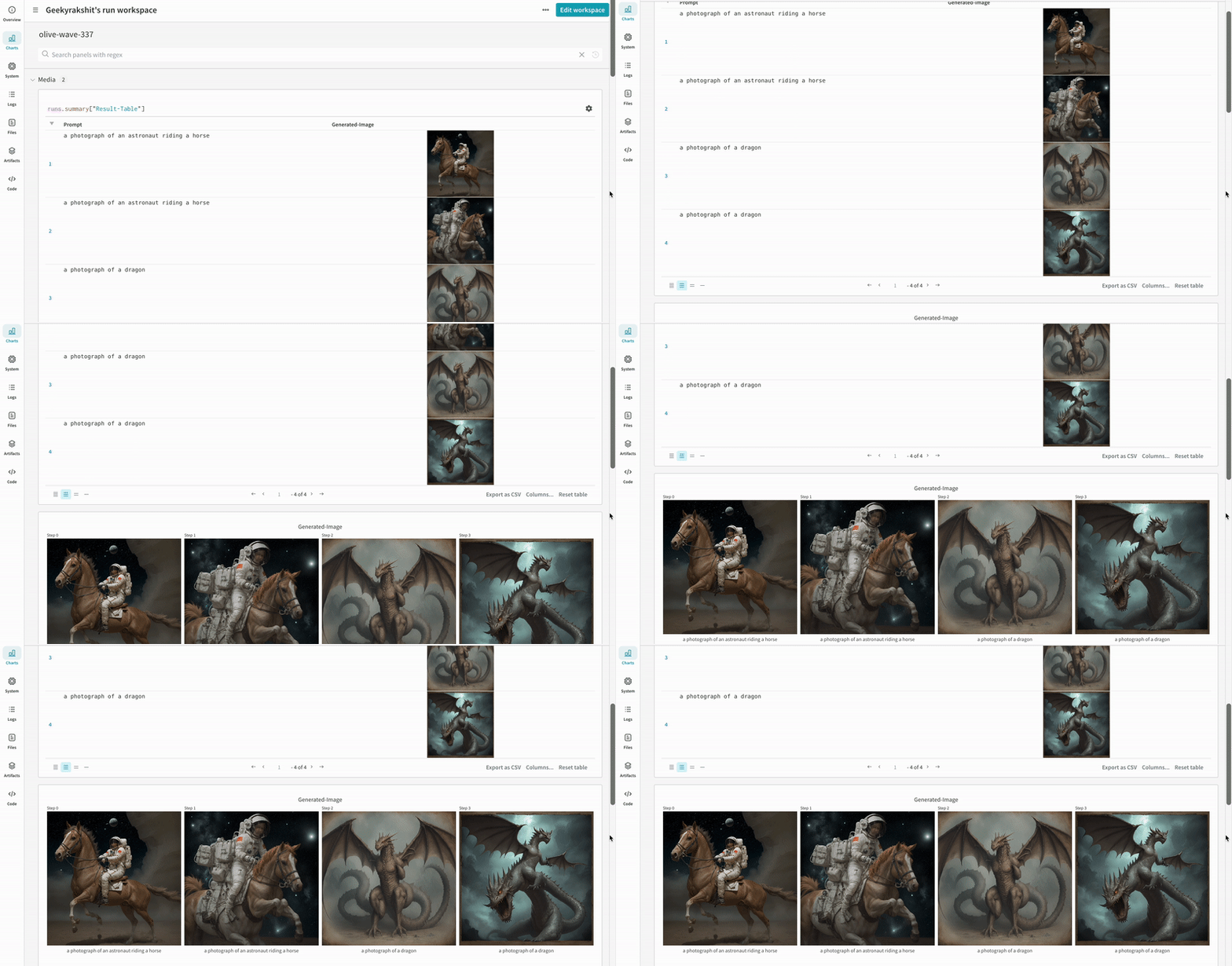
Get started
-
Install
diffusers,transformers,accelerate, andwandb.-
Command line:
-
Notebook:
-
Command line:
-
Call
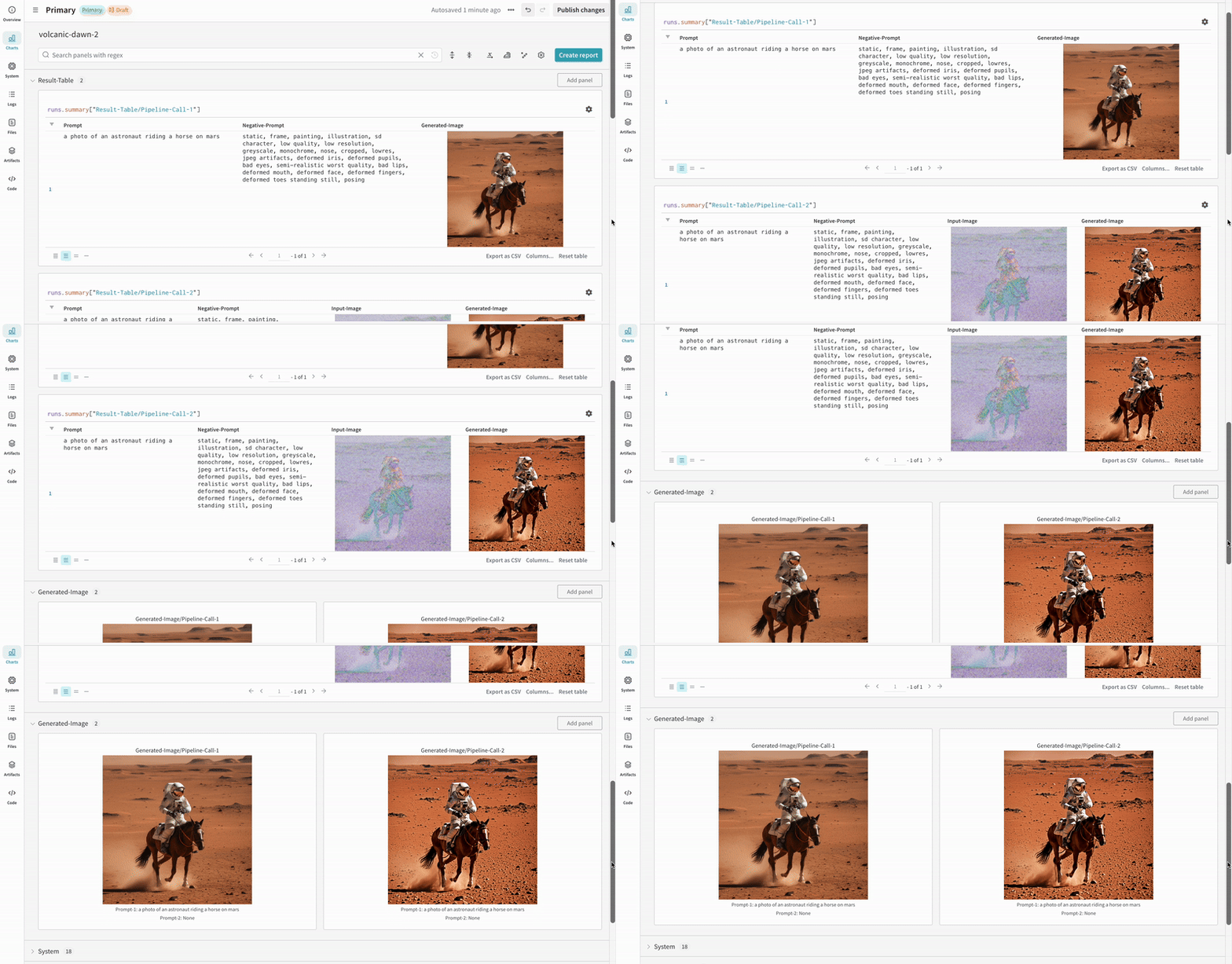
autolog()with theinitparameter, which accepts a dictionary of parameters required bywandb.init().autolog()initializes a W&B run and automatically tracks the inputs and outputs from all supported pipeline calls:- Each pipeline call is tracked into its own table in the workspace, and the configs associated with the pipeline call are appended to the list of workflows in the configs for that run.
- The prompts, negative prompts, and generated media are logged in a
wandb.Table. - All other configs associated with the experiment, including seed and pipeline architecture, are stored in the config section for the run.
- The generated media for each pipeline call are also logged in media panels in the run.
Find a list of supported pipeline calls. To request a new feature of this integration or report a bug, open an issue on the W&B GitHub issues page.
Examples
The following examples showautolog in typical diffusion workflows so you can adapt them to your own pipelines.
Autolog example
The following is an end-to-end example ofautolog:
- Script
- Notebook
-
The results of a single experiment:
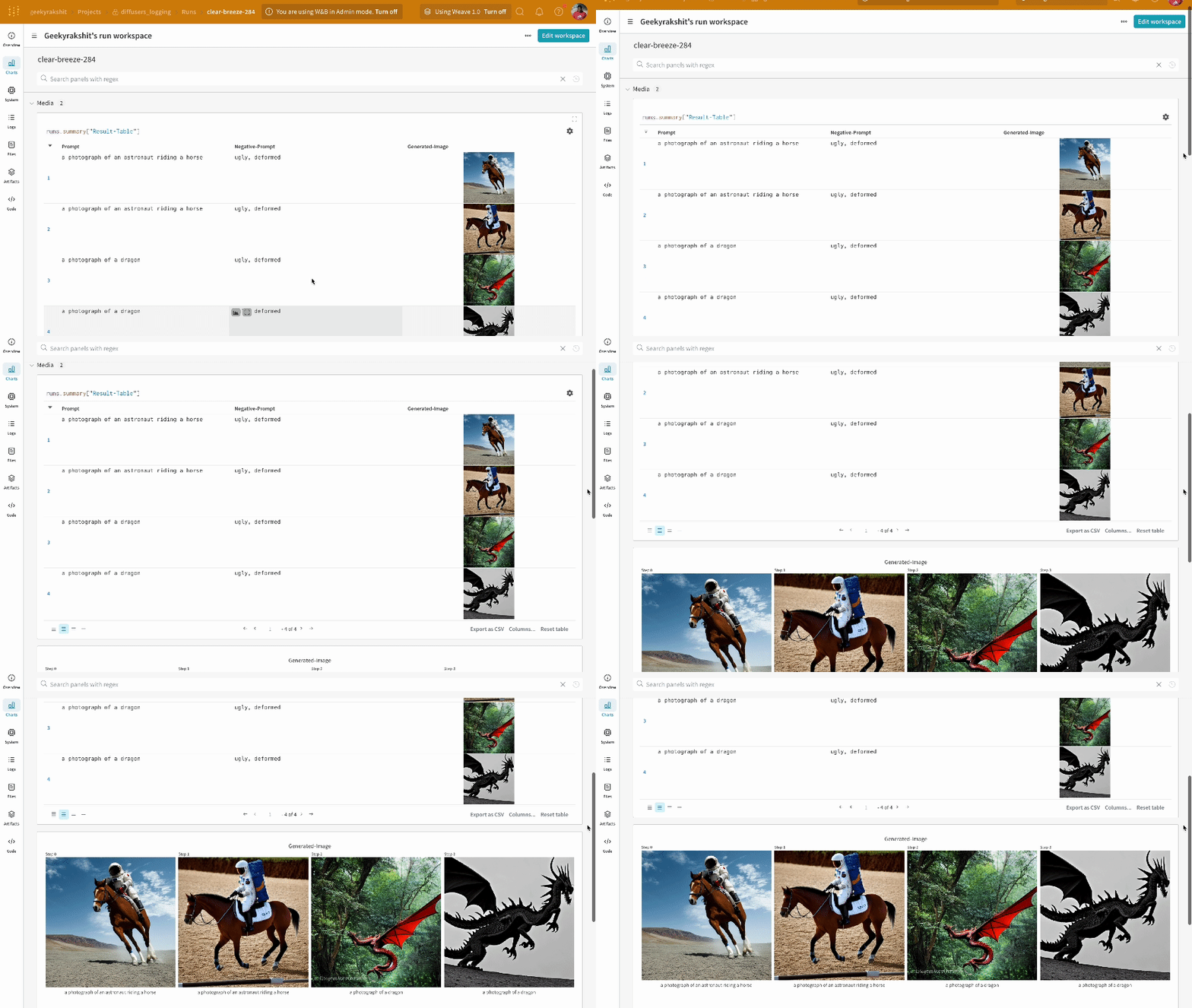
-
The results of multiple experiments:
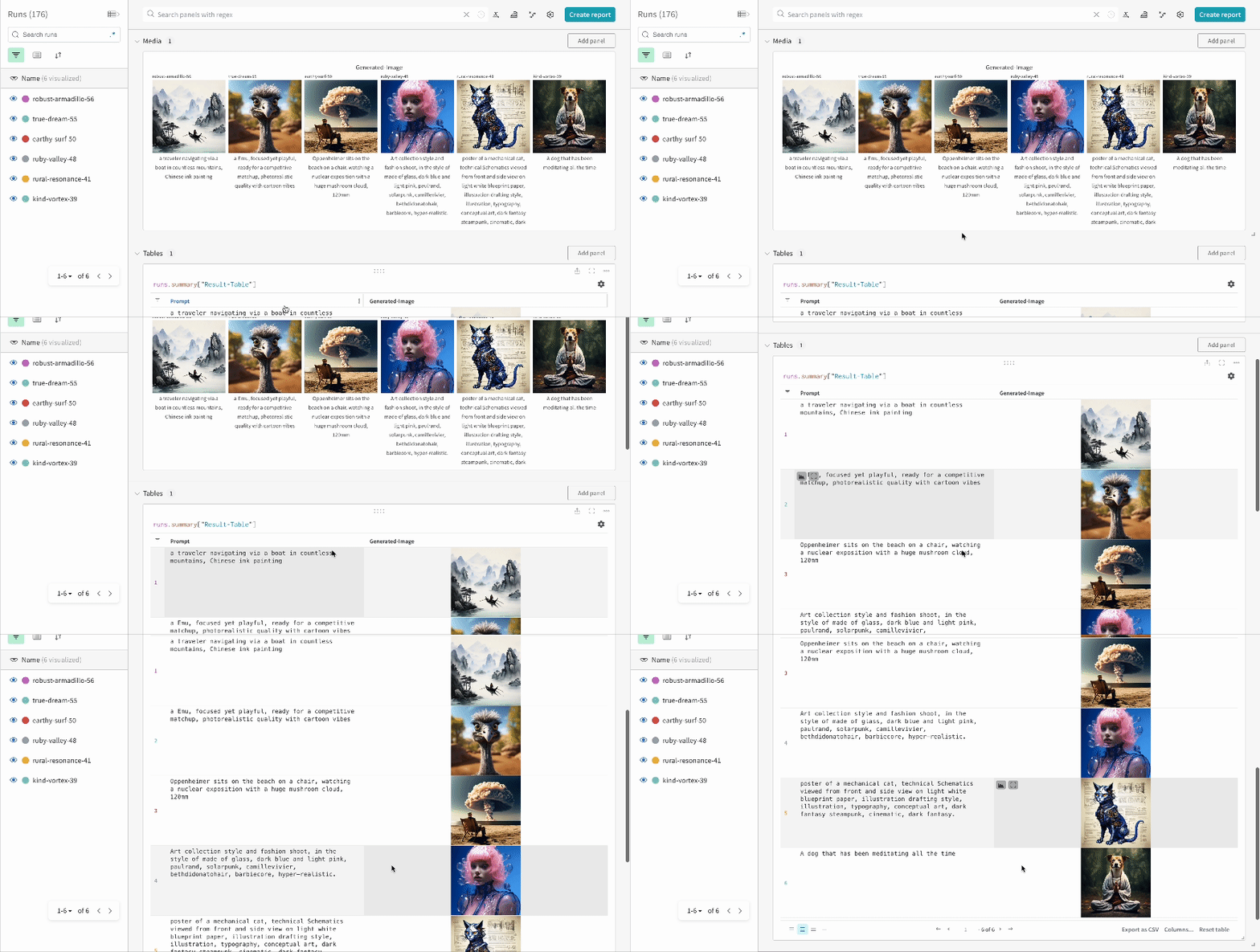
-
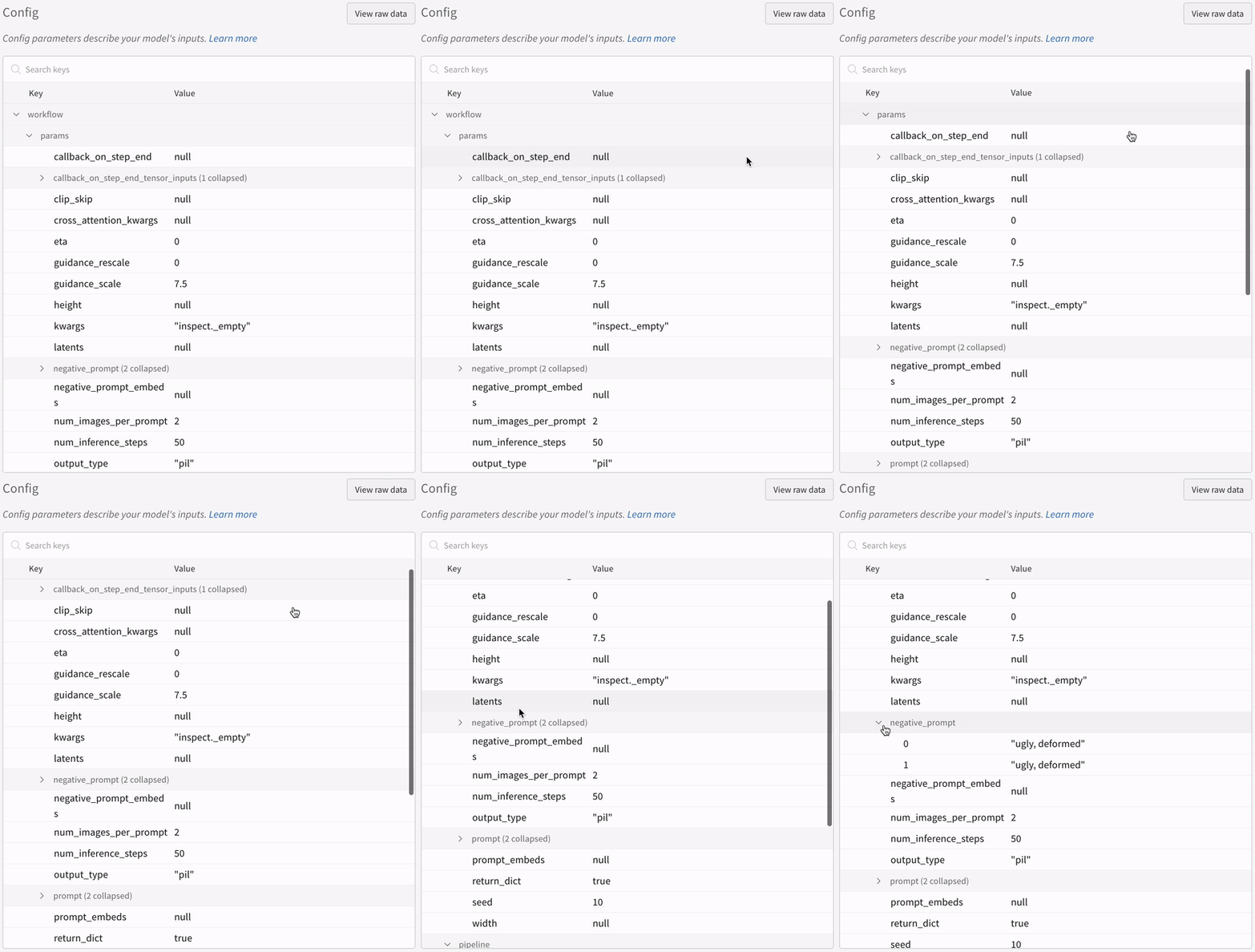
The config of an experiment:
You must explicitly call
wandb.Run.finish() when you run the code in IPython notebook environments after calling the pipeline. This is not necessary when you run Python scripts.Track multi-pipeline workflows
The following example demonstratesautolog with a typical Stable Diffusion XL + Refiner workflow, in which the refiner refines the latents generated by the StableDiffusionXLPipeline.
- Script
- Notebook